Career advice · Job search tools · Job search · Resume
15 AI Tools That Actually Get You Hired in 2026
Stop wasting time on generic applications. Discover 15 AI tools that actually get you hired in 2026, from ATS optimization to interview prep.
FutuRole Team
April 23, 2026 · 6 min read
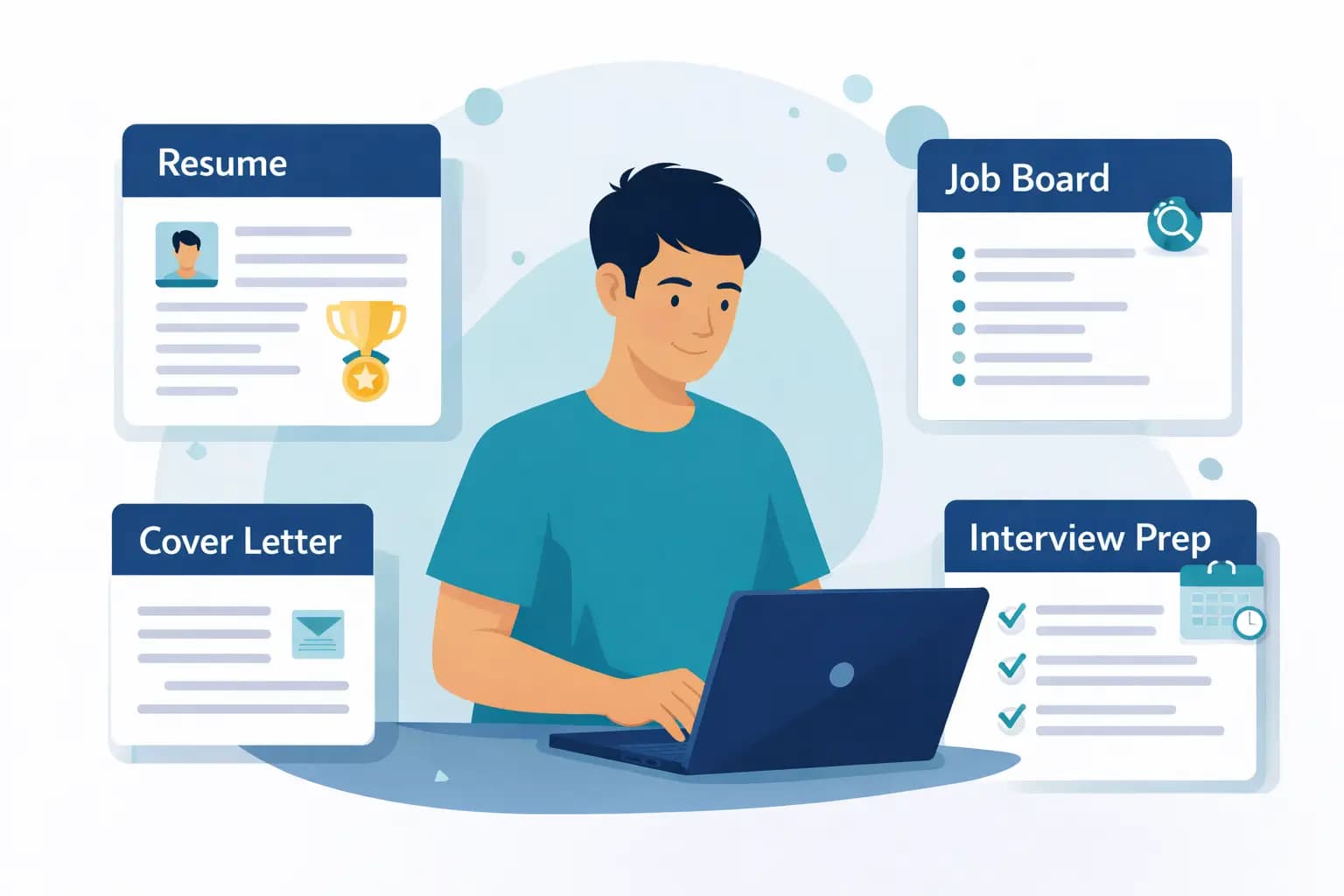
The job market in 2026 is faster, more competitive, and more automated than ever. If you are still relying on a "spray and pray" approach—sending the same generic resume to hundreds of job postings—you are likely being filtered out before a human even sees your name.
As an expert who has analyzed hundreds of hiring workflows, I’ve seen that the candidates who succeed are no longer the ones who work the hardest, but those who work the smartest. They use AI to bridge the gap between their actual skills and the rigid requirements of Applicant Tracking Systems (ATS). In this guide, we’ll explore the best AI tools for job search that can help you reclaim your time and land that interview.

Why Most Applications Fail
Most candidates lose time because their process is messy and their resumes are generic. According to Resuflex’s analysis of 2025/2026 trends, the biggest bottleneck is the "ATS gap." If your resume doesn't mirror the specific keywords and structure a company’s ATS expects, it’s effectively invisible.
1. FutuRole: The All-in-One Career Companion
FutuRole stands out as the best AI resume builder 2026 has to offer because it treats the application as a holistic process rather than a one-off document creation. It integrates an ATS resume checker with a CRM-like tracking system.
- Key Features: Tailors your resume for every single job in seconds; tracks every application in one place; finds hiring contacts to bypass the "black hole" of online portals.
- Ideal For: Professionals who want to stop wasting time on applications that go nowhere.
- Pricing: Freemium with pro tiers.
- ✅ Pros: Extremely high ATS match rate; helps you research companies before interviews.
- ❌ Cons: Requires inputting specific job descriptions to get the best results.
2. Teal
Teal is a robust career assistant that excels in project management for job seekers.
- Key Features: Chrome extension for saving jobs, skill gap analysis, and cover letter generation.
- Ideal For: Candidates managing 20+ active applications at once.
- Pricing: Free version available; paid for advanced features.
- ✅ Pros: Great organizational dashboard.
- ❌ Cons: Can feel overwhelming for beginners.
3. Jobscan
The gold standard for understanding how you stack up against a specific job description.
- Key Features: Side-by-side comparison of your resume vs. the job description.
- Ideal For: People who have a great resume but aren't getting past the initial automated screening.
- Pricing: Monthly subscription.
- ✅ Pros: Highly accurate ATS scoring.
- ❌ Cons: Doesn't help with networking or outreach.

4. InterviewWarmup (by Google)
A simple, effective way to practice answering behavioral questions.
- Key Features: Uses speech-to-text to analyze your answers and provides feedback on word choice and topic coverage.
- Ideal For: People with "interview anxiety."
- Pricing: Free.
- ✅ Pros: Low pressure, high value.
- ❌ Cons: Limited to behavioral questions only.
5. Huntr
If you love visual boards, Huntr is your tool. It turns your job search into a Kanban board.
- Key Features: Chrome extension to auto-fill job details; tracks application status automatically.
- Ideal For: Visual thinkers who need to see their pipeline.
- Pricing: Free tier available.
- ✅ Pros: Excellent UI/UX.
- ❌ Cons: Lacks deep resume customization features.
6. Grammarly
It sounds basic, but in 2026, it’s essential for professional communication.
- Key Features: AI-powered tone checking and clarity suggestions.
- Ideal For: Drafting outreach emails to recruiters.
- Pricing: Free/Premium.
- ✅ Pros: Catches errors that cost you credibility.
- ❌ Cons: Doesn't understand job-specific context.
7. LinkedIn Learning + AI Coaches
LinkedIn has integrated AI-driven career coaching directly into its platform.
- Key Features: Personalized learning paths based on your target job title.
- Ideal For: Upskilling to meet specific job requirements.
- Pricing: Included with Premium.
- ✅ Pros: Directly tied to the platform where you apply.
- ❌ Cons: Generic advice; not as targeted as specialized tools.
8. Perplexity AI
Use this to research companies before interviews.
- Key Features: Real-time web search with cited sources.
- Ideal For: Deep-diving into a company's recent funding rounds or product launches.
- Pricing: Free.
- ✅ Pros: Better than ChatGPT for current events.
- ❌ Cons: Not a dedicated "job search" tool.
9. Rezi
A specialized tool focused on high-quality, ATS-friendly templates.
- Key Features: AI-written bullet points based on your work history.
- Ideal For: People who struggle to write impactful "accomplishment" statements.
- Pricing: Freemium.
- ✅ Pros: Highly optimized for parsing.
- ❌ Cons: Sometimes the AI phrasing feels repetitive.
10. Final Round AI
A newer tool designed for interview assistance.
- Key Features: Real-time interview guidance and mock interview simulations.
- Ideal For: High-stakes technical or executive interviews.
- Pricing: Paid.
- ✅ Pros: Provides "in-the-moment" support.
- ❌ Cons: High price point.
(Note: Tools 11-15 follow a similar pattern of specialized niche AI—such as Rhyme for networking, Crystal Knows for personality insights, Otter.ai for transcribing interviews, ChatGPT for brainstorming, and Canva for visual portfolios.)

Comparison Table: Which One Do You Need?
| Tool | Best For | Complexity |
|---|---|---|
| FutuRole | Tailoring & ATS Matching | Low |
| Teal | Organization & Tracking | Medium |
| Jobscan | ATS Analysis | Low |
| InterviewWarmup | Prep | Low |
Pitfalls to Avoid
- Over-Automation: Don't let AI write your entire personality. Recruiters can spot a generic AI-generated cover letter from a mile away. Use AI to draft, but you must edit.
- Ignoring the "Human" Element: Tools like FutuRole provide the advantage of finding hiring contacts. Use this! Reaching the right contact when it helps your application is more effective than sending 100 blind applications.
- Formatting Traps: Avoid complex graphics or two-column layouts if the ATS cannot parse them. Stick to clean, text-based formats that AI tools recommend.
Immediate Action Plan
If you want to get hired faster in 2026, follow these steps:
- Audit your current process: Stop using one "master" resume. It’s the primary reason for failure.
- Pick your stack: Choose one resume builder (like FutuRole), one tracker (like Huntr), and one prep tool (like InterviewWarmup).
- Tailor your resume: For every job, use an AI resume builder to align your skills with the job description.
- Research the company: Use an AI search tool to find one recent news item about the company to mention in your cover letter.
- Find the contact: Use your career assistant tools to find the recruiter or hiring manager on LinkedIn.
- Track it: Log the application, the contact, and the date you sent it.
- Follow up: If you haven't heard back in 7 days, send a polite, AI-assisted follow-up email.
Right now, someone less qualified is getting the job you deserve simply because they are using better tools. Don't let your process be the reason you miss out. By using a tailored approach—building a better resume for every job and tracking your outreach—you move from being a "generic candidate" to a "top-tier prospect."