Job search · LinkedIn
How to Reach Out to a Hiring Manager Directly (And Actually Get a Response)
Stop waiting in the application queue. Learn exactly how to find and contact the hiring manager directly — with templates, timing, and a step-by-step method that works in 2026.
FutuRole Team
April 27, 2026 · 11 min read
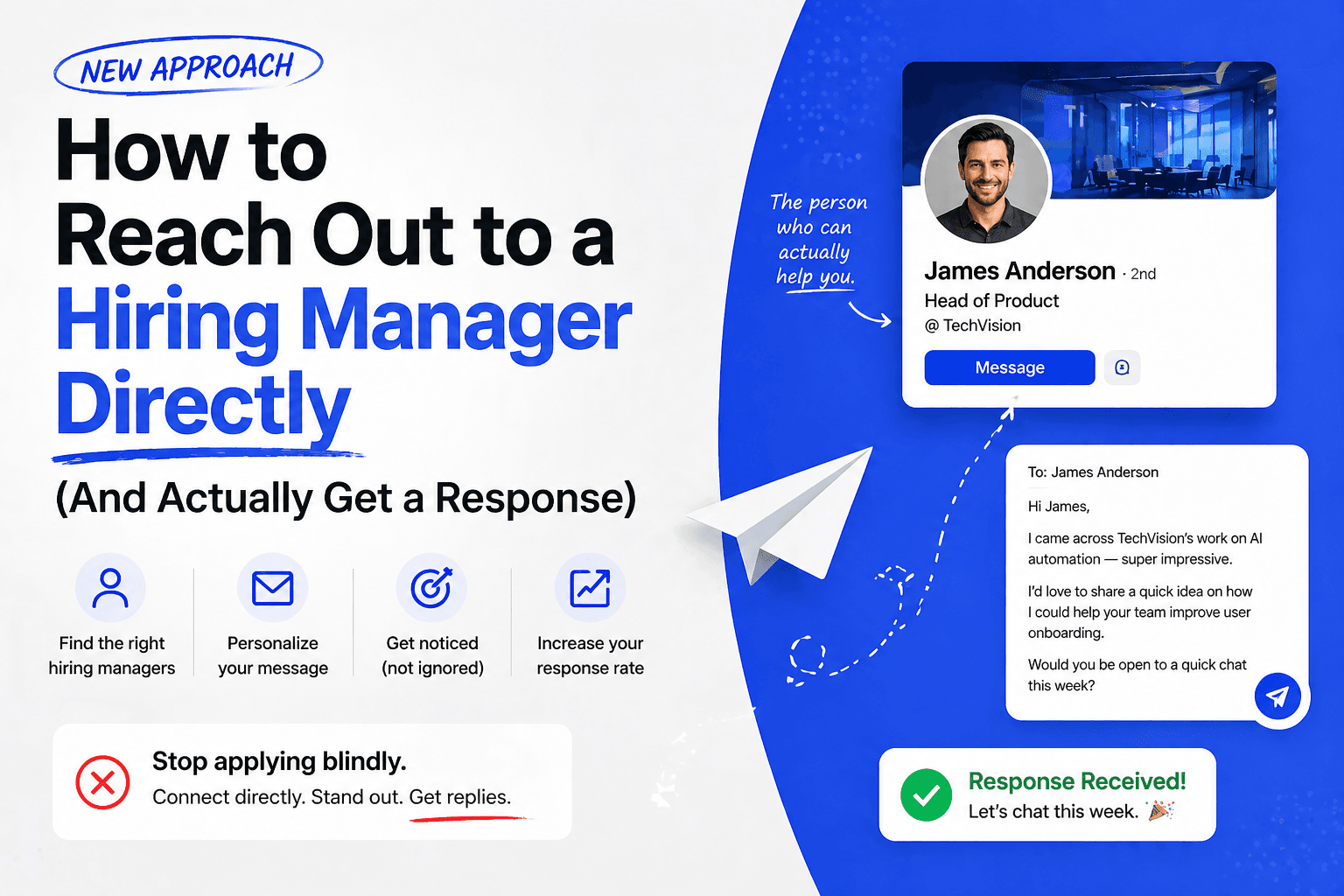
Here is the uncomfortable truth about online job applications in 2026: submitting your resume through a portal and waiting is not a job search strategy. It's a lottery ticket.
The average job posting receives 250+ applications within 24 hours. Most are filtered by ATS before a recruiter sees them. The ones that do reach a human get 6 seconds of attention before being sorted into piles. And according to Prospeo's 2026 job search analysis, roughly 75% of resumes never reach a human at all.
Reaching out to the hiring manager directly — before or immediately after applying — is the single most underused tactic in a job search. Done right, it doesn't feel pushy. It signals initiative, separates you from the pile, and gets your name in front of the person who actually makes the hire.
This guide shows you exactly how to do it.
Why Contacting the Hiring Manager Works
The logic is simple. Prospeo's analysis frames it perfectly: "Job searching has become a sales process. You're not applying — you're prospecting. And like any sales process, reaching the decision-maker beats sending proposals into a generic inbox."
Hiring managers have more skin in the game than HR does. As career coach Matthieu Degeneve explains in Welcome to the Jungle's coverage: "A good or bad hiring decision will have little to no effect on the HR team, but the manager will have to work alongside the new recruit on a daily basis." They care more. They respond more. And they speak your language in a way that an automated screener never can.
Indeed's career advice team identifies a second key advantage: direct outreach can help you bypass resume screening software entirely. Even if your application goes through the ATS, a personal message to the hiring manager puts your name in their consciousness before they sort through the queue — meaning they may actively look for your resume rather than passively encounter it.
And according to career coach Michael Robinson, cited by Prospeo, "unless the job posting specifically states not to email, you won't be disqualified for reaching out. The worst realistic outcome is being ignored — not blacklisted."
The risk is low. The upside is real. Most candidates still don't do it — which means the ones who do stand out immediately.
Step 1: Find the Right Person to Contact
The biggest obstacle most job seekers face is figuring out who to contact. Job postings rarely include a name. Here are the most reliable methods, in order of effectiveness.
Check LinkedIn First
The Muse recommends starting with a LinkedIn search: enter the company name plus keywords that describe the department head or team lead for the role you're targeting. Filter by "People" and "Current Company" to narrow results. Look for someone whose title suggests they manage the relevant team — not just an HR generalist, but the actual functional leader.
For a software engineering role, that might be an Engineering Manager, VP of Engineering, or Director of Software Development. For marketing, look for a Head of Marketing or Growth Lead.
LinkedIn Helper's outreach guide suggests a second approach: look at the job posting itself. LinkedIn sometimes lists the recruiter or hiring manager directly alongside the posting. If that person is visible, they're your first target.
Use Email Finder Tools
Once you have a name, finding their email is straightforward. Prospeo offers 75 verified emails per month on a free plan — enough for an active job search. Hunter.io gives 50 free credits per month with no credit card required. Both tools find and verify professional email addresses in seconds.
Alternatively, most companies use consistent email formats: [email protected], or [email protected]. Guess the format from a known employee email (sometimes listed in press releases or blog posts), apply it to your target contact, and verify with a free tool like Hunter's email verifier.
Check the Company's Website
Pinnacle Consulting recommends scanning the company's staff directory, "About Us" page, or the bottom of their homepage for contact information. For smaller companies, a general inquiry email can also work — people forward emails to the right person more often than you'd expect.
Let a Tool Do It For You
If researching every contact manually sounds exhausting at scale, FutuRole's Contact Intelligence automates this entirely. Paste a job link and FutuRole identifies the hiring manager or recruiter behind the posting, surfaces their verified contact information, and drafts a personalized outreach message — in about 60 seconds. For job seekers applying to multiple roles simultaneously, this is the difference between reaching out to one person a week and reaching out to ten.
Step 2: Write a Message That Gets Read
The message itself follows a strict formula. Prospeo is direct: "100 words maximum — about 3 to 5 sentences. State the role, one relevant achievement, and a low-pressure ask. Anything longer reads like a cover letter and gets skipped."
Here is what that looks like in practice:
The structure:
- Who you are and which role you're applying for (one sentence)
- One specific, quantified achievement relevant to their biggest need (one to two sentences)
- A low-pressure ask — a brief call, a question, an expression of continued interest (one sentence)
Example — LinkedIn message:
Hi [Name], I just applied for the [Role] on your team and wanted to reach out directly. In my last role, I [specific achievement with a number — e.g., "reduced customer churn by 18% by rebuilding the onboarding flow"]. I'd love to connect briefly if you have 15 minutes — happy to share more context on how I'd approach [specific challenge the company is facing].
Example — email:
Subject: [Role] Application — [Your Name]
Hi [Name], my name is [Your Name] and I submitted my application for [Role] today. I noticed your team is [specific company initiative or challenge — found via recent news, LinkedIn post, or job description language]. In my previous role at [Company], I [one achievement directly relevant to that challenge]. I'd welcome a brief conversation if you're open to it.
Career Bloom Coaching emphasizes the same principle: "A vague message like 'I'm interested in any opportunities' is basically the fastest way to get ignored. Clearly explain why you're interested — and more importantly, how your skills directly align with their needs."
The more specific the message, the higher the response rate. Generic messages get ignored. Specific messages get forwarded.
Step 3: Time It Right
Timing matters more than most candidates realize.
Prospeo recommends submitting your application through the official portal first, then sending your outreach message the same day or the next morning: "Your resume is already in the ATS, so the manager has context when they see your message."
The sequence matters for two reasons. First, it ensures your application is formally logged — so your outreach is a complement to the process, not a workaround. Second, it means if the hiring manager checks the ATS after receiving your message, your application is already there.
HirePilot's outreach strategy guide notes that "a second follow-up can lift reply rates by approximately 21%, yet most candidates stop after one unreturned message." If you don't hear back in five to seven business days, one polite follow-up is appropriate. After that, move on — persistence beyond two messages crosses into territory that damages your candidacy.
Step 4: Engage Before You Apply
For roles you care about most, there is a move that sets up your outreach before you ever hit Submit.
Career Bloom Coaching calls this the "warm approach": follow the company's LinkedIn page, engage with relevant posts from the hiring manager or team members, and make yourself visible in their professional community before you reach out. When your name appears in their inbox, it's not cold — it's familiar.
This isn't about gaming an algorithm. It's about the same logic that makes referrals so powerful. Upwork's recruiter outreach guide explains it clearly: "Connecting with a recruiter can create a more personal relationship as they get to know your background and skills. Even if you're not right for one job, they may keep you in mind for another."
Being known before you apply is worth more than any keyword optimization.
Common Mistakes That Kill Your Chances
Reaching out without applying first. Always submit through the official channel before or simultaneously with your outreach. Direct contact supplements the formal process; it doesn't replace it.
Sending the same template to everyone. Indeed's recruiter outreach guide is clear: "Demonstrating evidence that you did your research before reaching out is important." A message that mentions the company's recent product launch, a team initiative, or a specific challenge visible in the job description is ten times more effective than a template.
Writing too much. Prospeo puts it bluntly: anything longer than 100 words "reads like a cover letter and gets skipped." Your goal is to earn a 30-second read and a reply — not to tell your whole story.
Contacting HR instead of the hiring manager. HR fills a requisition. The hiring manager fills a seat they'll work alongside for years. They have different motivations. When possible, target the functional leader, not the recruiter — though both are worth contacting if you can find both.
Following up more than twice. One follow-up after 5–7 days is professional. Two follow-ups crosses into persistence that can get you flagged. Move on after the second message.
Putting It All Together: A 5-Day Outreach System
Here is a repeatable weekly system, adapted from HirePilot's 2026 outreach framework:
Day 1: Identify 5 target roles posted in the last 48 hours. For each, find the hiring manager or recruiter on LinkedIn.
Day 2: Tailor your resume to each job description. Use FutuRole to generate a tailored, ATS-ready version for each role in under 60 seconds per application.
Day 3: Submit applications through official portals. Draft outreach messages for each hiring manager — specific, under 100 words, one achievement, one ask.
Day 4: Send outreach messages. Log each one in a tracker with the contact name, date sent, and a follow-up reminder for Day 11.
Day 5: Engage with the company's LinkedIn content for roles you care most about. Like or comment on a relevant post from the team. Build visibility without explicitly asking for anything.
Day 11: Send one polite follow-up to anyone who hasn't responded. Reference your original message, reiterate interest, and keep it to 2 sentences.
Running this system for 3 to 4 weeks consistently — 5 targeted applications per week with direct outreach — produces more interviews than 50 generic applications with no follow-through. The math is straightforward: DISHER Talent's research shows success rates as low as 0.1 to 2% per portal application. Direct outreach moves that rate meaningfully — and it moves it faster.
The Tool That Automates This
The system above works. The problem is time. Finding the right contact, drafting a personalized message, and logging everything takes 20 to 30 minutes per application. At scale, it becomes another job.
FutuRole handles the research and drafting automatically. Paste a job link and within 60 seconds you have a tailored resume, the hiring manager's verified contact information, and a draft outreach message personalized to the role and company. You review, adjust the tone if needed, and send. Everything logs to your application tracker automatically.
It doesn't replace the judgment required to personalize a message. But it eliminates the two hours of research that usually precede the five minutes of actual writing.
Reaching the hiring manager directly is not aggressive. It is not presumptuous. It is the move that separates candidates who get callbacks from candidates who keep refreshing their inbox. The application portal was never designed to help you stand out — it was designed to process volume.
Stop processing yourself out of opportunities. Reach the person who matters.
URL: futurole.com/blog/how-to-reach-out-to-hiring-manager
Want FutuRole to find the hiring manager and write the outreach for you? Try it free →