ATS · CV
10 ATS Resume Mistakes Costing You Interviews + Fixes
Stop getting rejected. Discover 10 ATS resume mistakes that trigger job rejection, then read our guide to optimize your resume and land more interviews.
FutuRole Team
April 2, 2026 · 10 min read
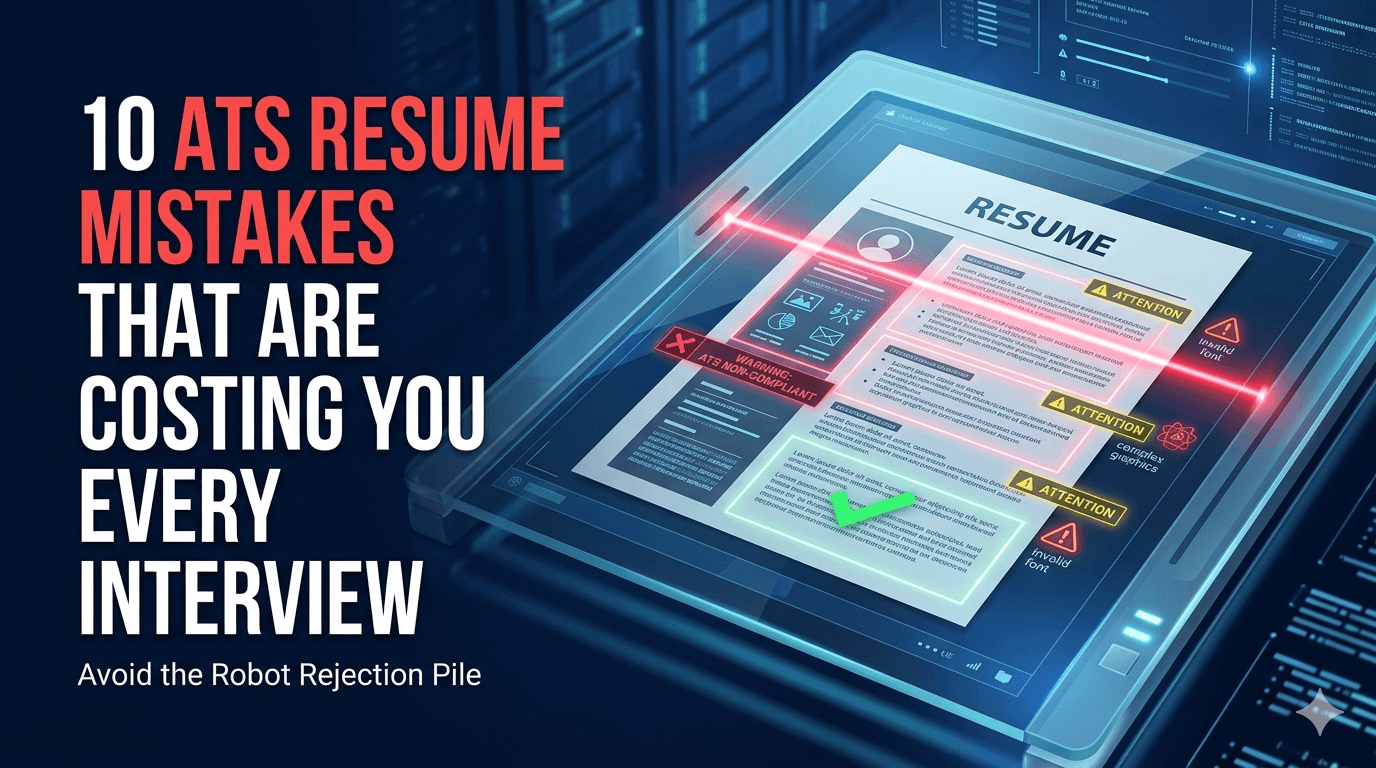
You've spent hours perfecting your resume, only to be met with silence or an automated rejection email minutes after hitting "submit." The truth is, your qualifications might be perfect, but your document is invisible to the digital gatekeepers known as Applicant Tracking Systems. Avoiding common ATS resume mistakes is the difference between being buried in a digital abyss and landing your dream interview.
In this guide, we're breaking down the 10 most common errors that trigger job rejection and providing actionable steps to help you beat the bots. If you want more practical tactics after this read, explore our resume writing guides and job search strategy articles.
1. Using Graphics, Columns, or Tables
ATS software reads text in a linear, left-to-right, top-to-bottom fashion. When you use complex layouts like dual-column templates, fancy infographics, or embedded tables, the parser often gets confused. It might scramble your contact info or completely fail to read your work history.
Why this breaks parsing
Most ATS engines still convert resumes into plain text before scoring. Multi-column layouts often collapse in the wrong order, so your "Skills" column can be merged into your job descriptions or education. Tables are especially risky because some systems export cell boundaries as random spacing rather than structure.
- The Fix: Stick to a clean, single-column layout. Avoid images, icons, and text boxes.
- Example: Instead of a sidebar for "Skills," list them clearly under a standard heading so the software can easily index them.
- Technical check: Copy-paste your resume into a plain text editor. If the sequence is broken, the ATS will likely misread it too.
2. Ignoring Keyword Optimization
If a job description asks for "Project Management" and you've written "Managed projects," you might miss out on a match. Resume optimization isn't about "gaming" the system; it's about speaking the same language as the recruiter's software. If the ATS doesn't see the specific technical terms it's programmed to look for, it may rank your profile lower.
According to LinkedIn's Global Talent Trends report, over 75% of resumes are rejected by ATS before a human ever reads them — often due to keyword mismatch alone.
How matching algorithms usually work
Most modern screening workflows combine exact-match terms with semantic matching. That means synonyms help, but exact phrases still carry strong weight in early ranking. If a role requires "Salesforce Administration" and your resume only says "CRM management," you may score lower than less experienced but better-matched candidates.
- The Fix: Analyze the job description for hard skills and industry-specific terminology. Integrate these keywords naturally into your bullet points.
- Example: If the job requires "AWS Cloud Infrastructure," ensure that exact phrase appears in your experience section, not just "cloud experience."
- Technical check: Mirror the top 10-15 repeated terms from the posting across your summary, skills, and experience sections.
3. Using Non-Standard Section Headings
Creativity is great for a portfolio, but it's a liability for your resume headings. If you name your experience section "My Career Journey" or "Professional Odyssey," the ATS might fail to categorize your work history correctly.
Why labels matter more than style
Parsers map heading names to data fields. Non-standard labels can prevent your resume data from being indexed into the right bucket. If your work history is misclassified, ranking filters like "minimum years of experience" may never trigger correctly.
- The Fix: Use industry-standard headings like "Work Experience," "Skills," "Education," and "Certifications."
- Example: Always use "Work Experience" instead of "Where I've Been" so the parser immediately identifies your professional timeline.
- Technical check: Keep section names short, predictable, and conventional.
4. Failing to Tailor Your Resume for Every Job
One of the biggest reasons candidates wonder why their resume is not getting interviews is that they use a "one-size-fits-all" document. Generic resumes rarely pass the high-threshold filters of modern hiring platforms. Every company uses different criteria, and your resume needs to mirror the specific needs of the role.
Glassdoor reports that each corporate job opening attracts an average of 250 résumés — of which only 4 to 6 candidates get called for an interview. Tailoring is what separates those 6 from the other 244.
Where to tailor first (highest impact)
If you're short on time, customize in this order: headline, summary, top skills, and first two roles. ATS systems and recruiters both prioritize early sections. Small edits in these zones can improve both machine rank and human relevance perception.
- The Fix: Create a master resume, then tweak the skills and summary section for every single application.
- Example: If applying for a "Data Analyst" role, emphasize SQL and Python; if applying for a "Business Intelligence" role, emphasize Tableau and reporting.
- Technical check: Keep one master file and produce role-specific variants so you can track what version was submitted.
5. Using Headers and Footers for Critical Info
Many people put their phone number, email, or LinkedIn URL in the header or footer of their document. Unfortunately, many ATS platforms fail to "see" information placed in these areas, meaning your contact info might be entirely missing from the recruiter's view.
What recruiters see when parsing fails
When contact fields are lost, recruiters may open your profile and find no email or phone. Even if your score is good, your application can stall because follow-up becomes impossible.
- The Fix: Keep all contact information in the main body of the document, preferably at the very top.
- Example: Place your name and contact details at the top of the page in the main text area, not tucked into a Microsoft Word header block.
- Technical check: Put name, city, phone, email, and LinkedIn URL in plain text directly under your name.
Mid-Article Action Step: Validate Before You Apply
If you want to stop losing opportunities to preventable ATS issues, run a quick validation process now: format check, keyword check, heading check, and export check. This takes less than 10 minutes and can dramatically improve your pass rate.
At FutuRole, we help you optimize each version of your resume faster, stay organized by role, and improve your chances of getting seen by real recruiters.
6. Using "Creative" Fonts or Symbols
While a unique font might look stylish, it can cause character mapping issues. If the ATS can't interpret the font, it will replace your text with gibberish or empty space. Similarly, avoid using custom bullet points like arrows or emojis, which the software might read as broken code.
Font rendering and encoding risks
ATS systems may normalize your file through multiple software layers. Decorative fonts and non-standard symbols can degrade during conversion and break tokenization, which means your achievements become unreadable fragments.
- The Fix: Use standard, web-safe fonts like Arial, Calibri, Helvetica, or Georgia.
- Example: Stick to traditional circular bullet points rather than custom icons or symbols.
- Technical check: Keep Unicode symbols minimal and use standard punctuation and bullets.
7. Overloading the Resume with Irrelevant Experience
Resume screening algorithms often look for relevance. If your resume is 5 pages long and includes every job you've held since high school, you dilute the impact of your relevant experience. A cluttered resume makes it harder for the ATS — and the human recruiter — to find the "gold" in your background.
The Society for Human Resource Management (SHRM) notes that recruiters spend an average of 7.4 seconds scanning a resume. Every irrelevant line costs you precious seconds.
Relevance weighting in ranking
Many workflows score for recency and role fit. Old, unrelated entries increase noise and can dilute high-value keywords from your target domain. This impacts both automated ranking and human skim speed.
- The Fix: Keep it concise (1–2 pages) and focus only on experience that directly qualifies you for the target role.
- Example: If you are a Senior Developer, remove your part-time retail job from 10 years ago to make room for more relevant technical projects.
- Technical check: For each bullet, ask: "Would this help me win this exact role?" If not, cut it.
8. Misformatting Dates and Locations
ATS filters are often set to look for specific date formats (e.g., MM/YYYY). If you write "Summer 2020" or "March to Present," the parser may fail to calculate your total years of experience, leading to an automatic rejection based on "insufficient tenure."
Why consistency matters to filters
Date parsing is used for tenure calculations, recency scoring, and employment gap checks. Inconsistent formats can break one or more of these logic paths and lower your ranking even when your actual experience is strong.
- The Fix: Use a consistent, standard date format like "03/2020 – Present."
- Example: Always use "MM/YYYY" formatting to ensure the software accurately tracks your professional timeline.
- Technical check: Use one date style across every role, project, and certification entry.
9. Not Including a "Skills" Section
Many candidates weave their skills into their work history but forget to provide a dedicated "Skills" section. This is a missed opportunity for the ATS to scrape your qualifications and assign you a match score.
Skills indexing and recruiter behavior
A dedicated skills block helps ATS engines map your profile to required competencies quickly. Recruiters also use this area to triage candidates before reading full role descriptions, especially under high application volume.
- The Fix: Include a dedicated section titled "Technical Skills" or "Core Competencies" that lists your primary tools, languages, and methodologies.
- Example: List your top 10 relevant skills in a bulleted list at the top of your resume for quick scanning by both humans and machines.
- Technical check: Group skills by category (e.g., Languages, Tools, Platforms) for faster parsing and scanning.
10. Saving in the Wrong File Format
While PDF is great for preserving layout, some older ATS systems struggle to parse them correctly — especially if the PDF was created by exporting from a graphic-heavy design tool. If the system can't extract the text, your resume is effectively invisible.
Indeed's hiring lab found that a significant portion of enterprise ATS platforms still recommend .docx over .pdf for optimal parsing accuracy.
Format strategy by application channel
Large enterprise portals often parse .docx best, while some modern systems can handle text-first PDFs. The safest decision is to follow the job post exactly. If no format is requested, submit a clean .docx and keep a matching PDF for direct recruiter outreach.
- The Fix: Unless the job posting specifically requests a PDF, a clean, well-formatted Word document (
.docx) is often the safest bet for ATS compatibility. - Example: If the portal doesn't specify, use a simple
.docxfile to ensure maximum readability by all parsing software. - Technical check: Export from Word or Google Docs, not from design tools, and verify text can be selected normally.
Take Control of Your Application Process
The "black hole" of job applications isn't a mystery — it's a technical barrier. By addressing these 10 common ATS resume mistakes, you move from being a candidate who relies on luck to one who understands the rules of the game. How to beat ATS filters is straightforward: prioritize readability, use standard formatting, and tailor your content to the specific language of the job description.
Stop wasting time on applications that go nowhere. Most candidates lose time because their resume is generic, their process is messy, and ATS filters reject them early.
At FutuRole, we help you build a better resume for every job. Our tools allow you to tailor your content in seconds, track every application in one place, and find the right hiring contacts to ensure your resume actually gets seen. Continue learning with our resume writing playbooks, job search strategy guides, and ATS optimization resources.
Don't let an algorithm decide your career path — take the reins and get the interviews you deserve.